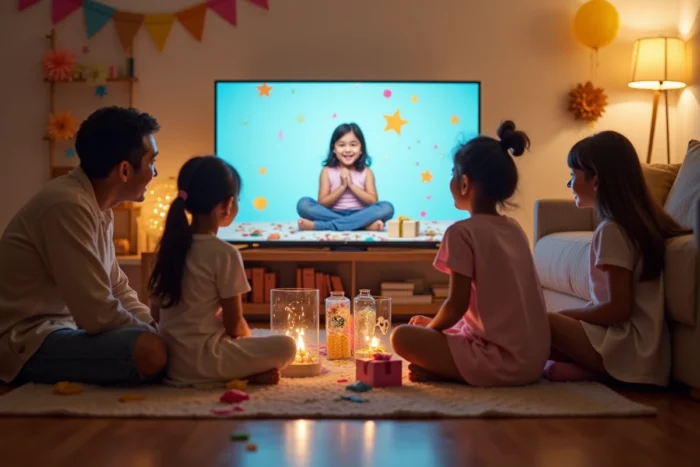
When you have three hundred photos on your phone and a party approaching, turning that stock into a birthday slideshow for your child becomes a real project. The result depends less on the software than on creative choices: pace, storytelling, involvement of loved ones. Here are ten concrete techniques to produce a slideshow that captures the attention of both kids and adults.
1. Collaborative slideshow with video clips from loved ones
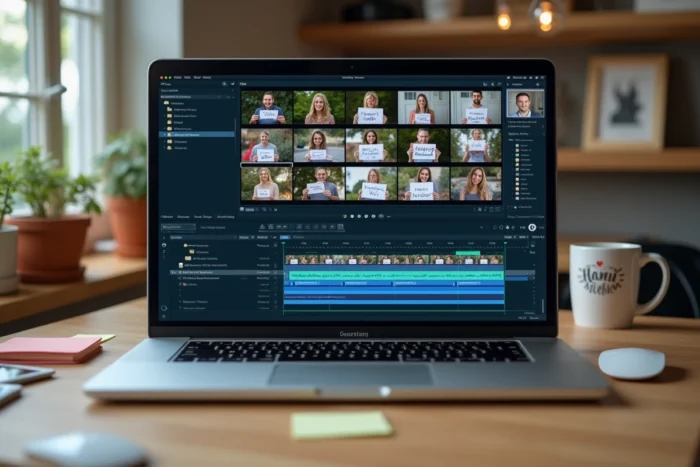
When grandparents live far away or school friends can’t all come, you can collect their messages before the party. The principle: each loved one sends a short clip (ten to fifteen seconds) where they wish a happy birthday or share a memory with the child.
Tools like Clipchamp allow you to gather these clips into a single montage by adding a personalized message from each contributor. The slideshow becomes a collective gift, particularly suited for geographically scattered families. You ask everyone for their “favorite moments” with the child, and the result always surprises on the big day.
To find an example of an original birthday slideshow that details the step-by-step method, the logic remains the same: structure the contributions before assembling them.
2. After Effects template with confetti animations
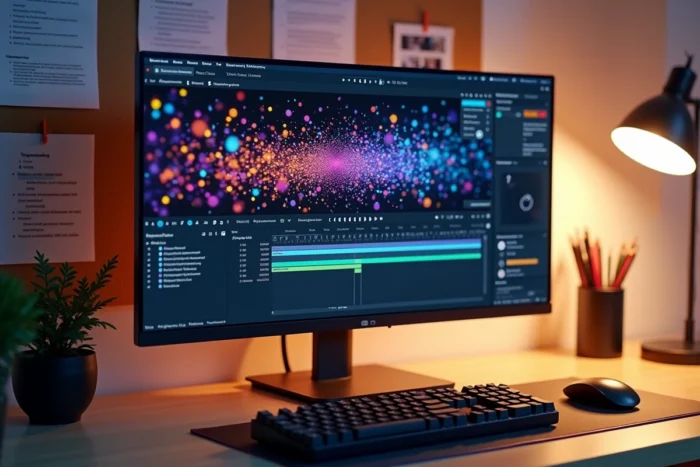
Video slideshow templates like “Kids Birthday” ready to customize on platforms like Envato Elements change the game for parents without editing skills. You replace the photos, modify the texts, and the animations (confetti, balloons, playful transitions) are already integrated.
The time savings are real. Replacing texts and photos is enough for a professional-looking result. Feedback varies on ease of use depending on the templates, but most also work on compatible free software.
3. Chronological montage “from 0 to today”
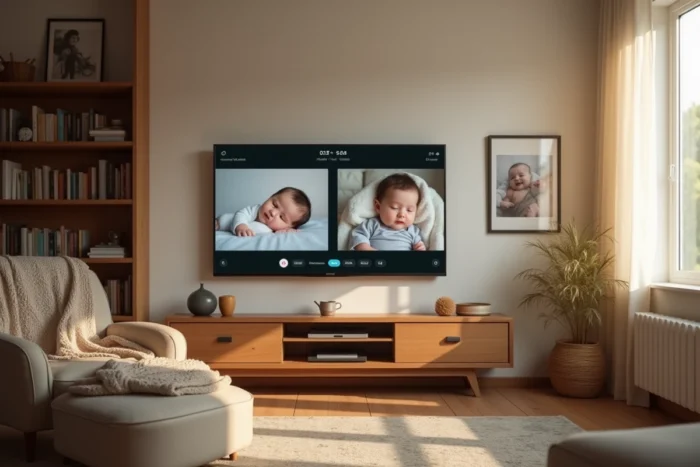
You select a significant photo for each year of life, from birth to the day of the party. Each image is accompanied by a short caption (first smile, first tooth, starting school). The narrative thread builds itself.
This approach works particularly well from the age of five or six, when the number of milestones becomes sufficient to create a true visual story. You finish with a recent photo and a birthday message, and the emotion does the rest.
4. Interactive quiz slideshow for the party
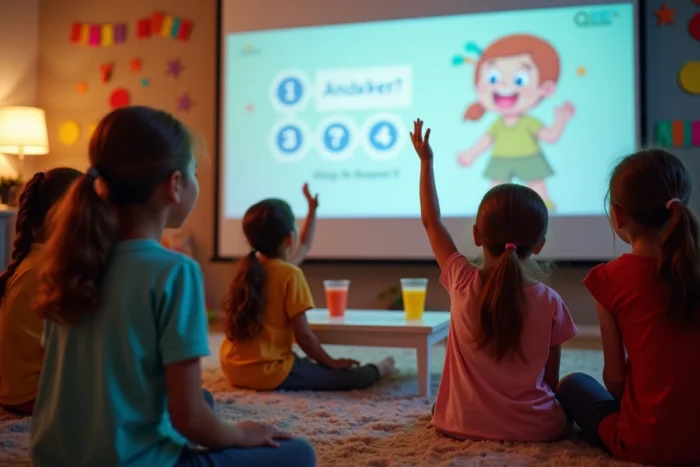
Instead of a passive slideshow, you turn it into a game. Each slide shows a mystery photo (close-up of a detail, blurry photo, old image) and the children must guess who it is or what is happening.
An interactive quiz slideshow turns spectators into active participants. You can add a points system and distribute small prizes. This format channels the group’s energy much better than a traditional projection.
5. Personalized soundtrack with the child’s favorite song
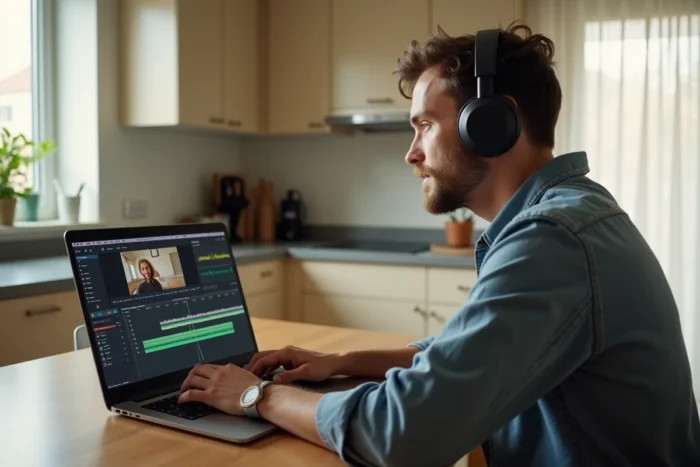
Music radically changes the impact of a birthday slideshow. Instead of a bank of generic sounds, you sync the transitions to the song the child has been listening to on repeat for weeks.
The photo and video montage with synchronized music requires a bit more work, but the result captures the child’s attention from the first notes. You adapt the pace of the photos to the highlights of the song: chorus for joyful moments, verse for calmer photos.
6. Integration of scanned drawings from the child
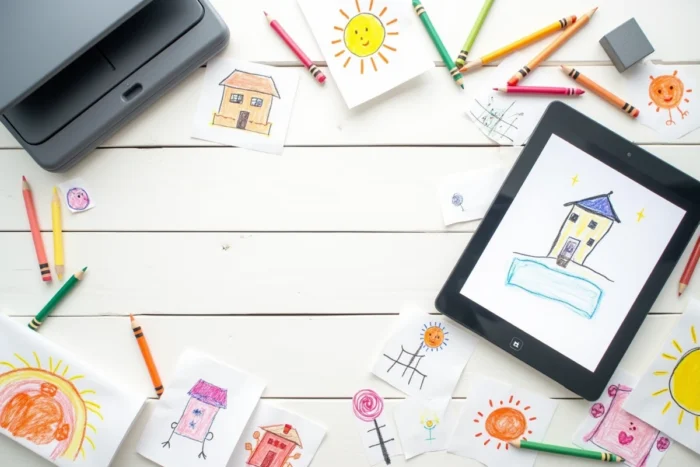
You collect the drawings the child has made throughout the year, scan or photograph them, and intersperse them between the photos. Each drawing can serve as a transition between two periods or two themes.
This format mixes two types of memories, which gives a visual texture that photos alone do not produce. The drawings add humor and recall anecdotes that photos do not always capture.
7. “Filmed interview” format with friends
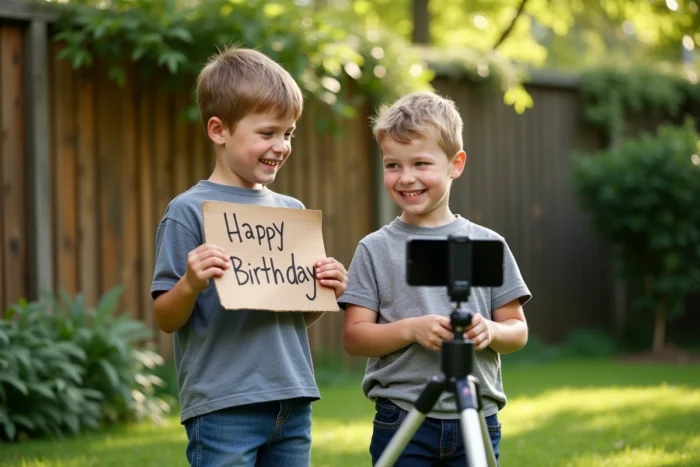
Before the party, you film each friend asking them three simple questions: “What is your best memory with X?”, “What makes you laugh about X?”, “A word for their birthday?” The answers, edited one after the other, create a touching collective portrait.
Clips of a few seconds per child are enough. You add the name as text on the screen. The spontaneous responses from children produce the best moments.
8. Slideshow with QR code projected at the end of the party
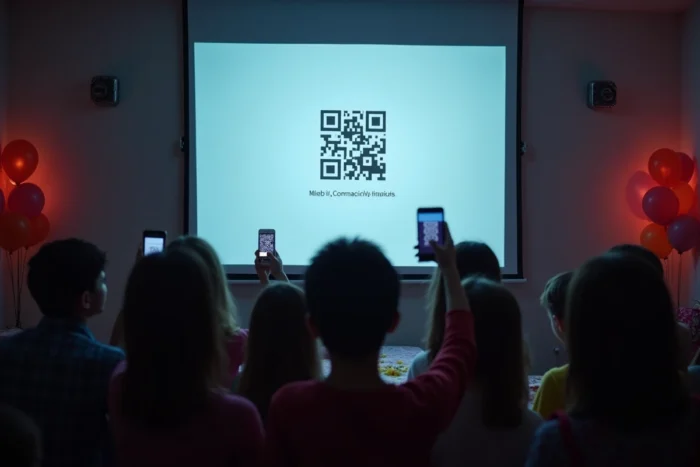
You project a QR code on the last slide, linking to the video hosted online. Each invited parent scans it and leaves with the memory on their phone.
This logistical detail avoids sending large files via messaging. You can also use the QR code on the invitation cards so that loved ones send their photos in advance, thus contributing to the collaborative slideshow.
9. “Superhero” theme or the child’s favorite universe
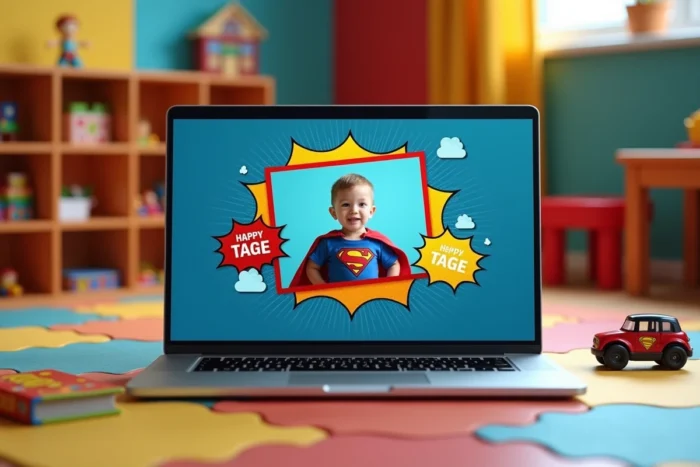
You dress each slide in the colors of the child’s favorite universe: themed frames, suitable fonts, illustrated backgrounds. PowerPoint templates or themed video templates for kids allow you to achieve this look without graphic skills.
- Choose a unique theme (dinosaurs, space, princesses, pirates) and apply it to all slides for visual coherence
- Add sound effects related to the theme between transitions (roars, swords, rockets)
- End with a “mission accomplished” or “end of the adventure” screen adapted to the chosen universe
10. Projection on a white sheet in garden cinema mode
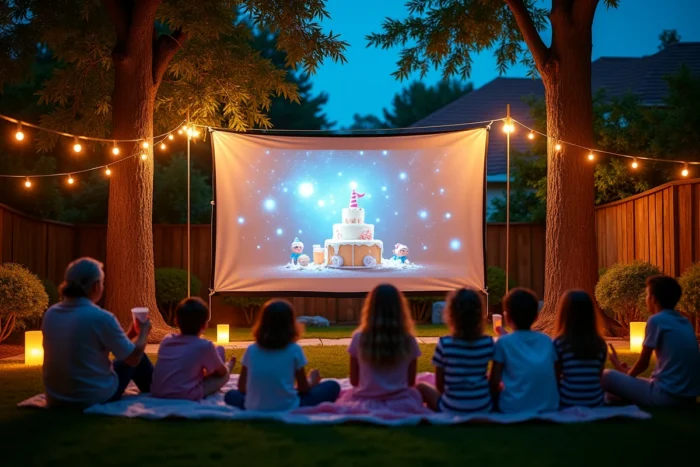
The medium of diffusion is as important as the content. A projector aimed at a white sheet stretched in the garden at dusk transforms an ordinary slideshow into an outdoor cinema session.
You set up cushions on the ground, distribute popcorn, and the projection becomes a special moment of the party. The cinema effect amplifies the impact of any montage, even a simple one.
The format also works indoors with a light-colored wall. The idea is to create a collective viewing ritual rather than looping the video on a tablet placed in a corner.